
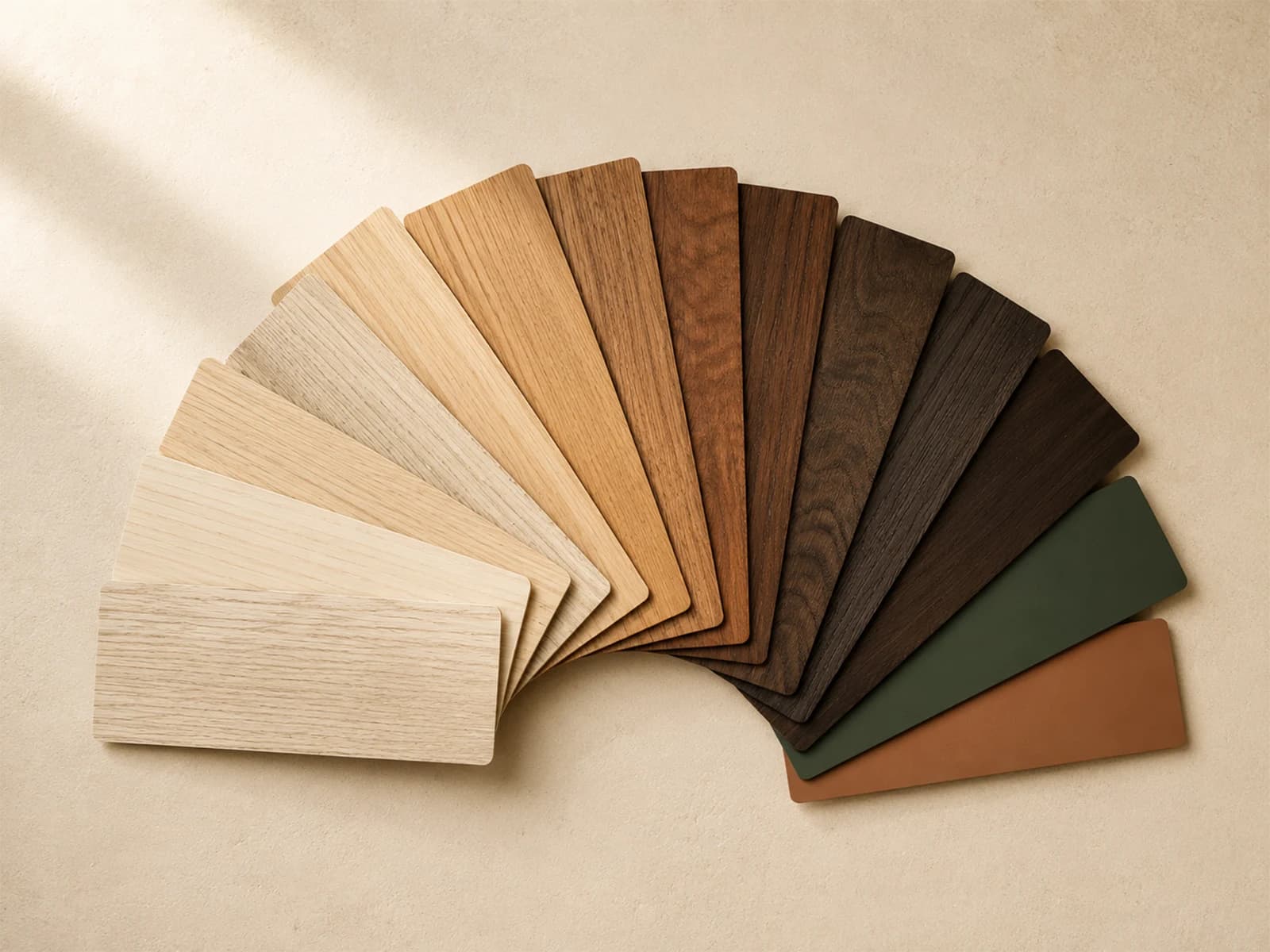
Palette builder
Colour Picker
Upload a photo of a space you like, sample the colours straight off it, and build a palette you can share with your designer or carpenter.
Try it
Build a palette
Upload a photo and sample colours from it, or start from a base tone — the ramp, contrast figures and preview follow your pick.
Upload a photo
Or start from a base tone
#d8cbb6Generated ramp
#d8cbb6Contrast
Best pairing is near-black text at 10.89:1
Applied preview
Carcass, shutter and trim
Three steps of the same ramp, used as a base, a panel and its text.
Screen colour is indicative only. Always confirm against a physical swatch before specifying a finish.
How it works
Using the colour picker
01
Upload a photo
Drop in an interior shot. It is read in your browser and never uploaded.
02
Sample the colours
Tap anywhere on the image, or use the dominant tones pulled out for you.
03
Check contrast
Confirm text and trim will read against the tone you picked.
04
Copy the values
Tap any swatch or chip to copy its hex value.
Professional tools
Estimate materials with the Plywood Calculator or explore finishes using the Colour Picker.